Light to dark blue smooth gradient transition.

OpenCart Payment Gateway for Businesses

OpenCart Payment Gateway for Businesses

OpenCart Payment Gateway for Businesses

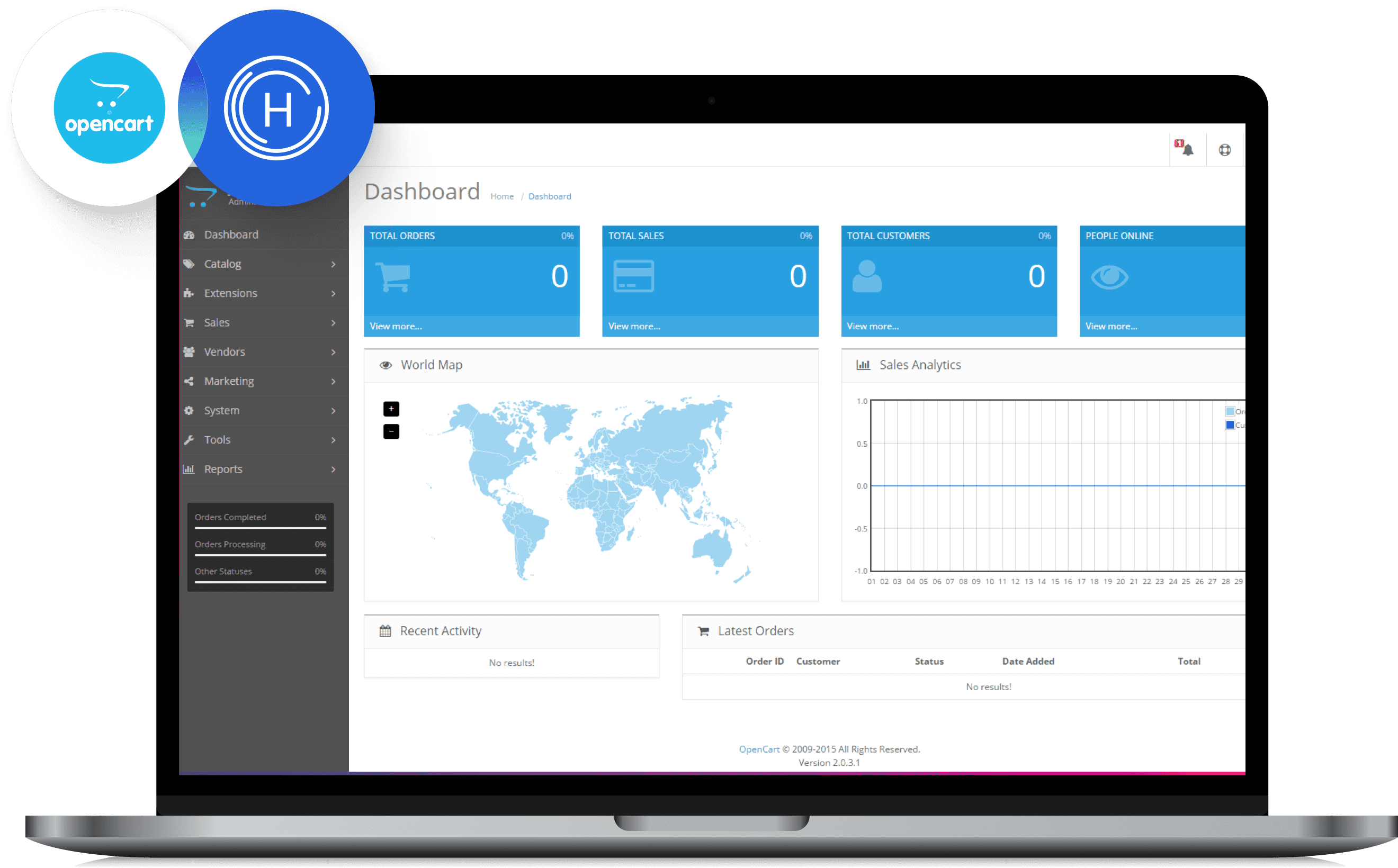
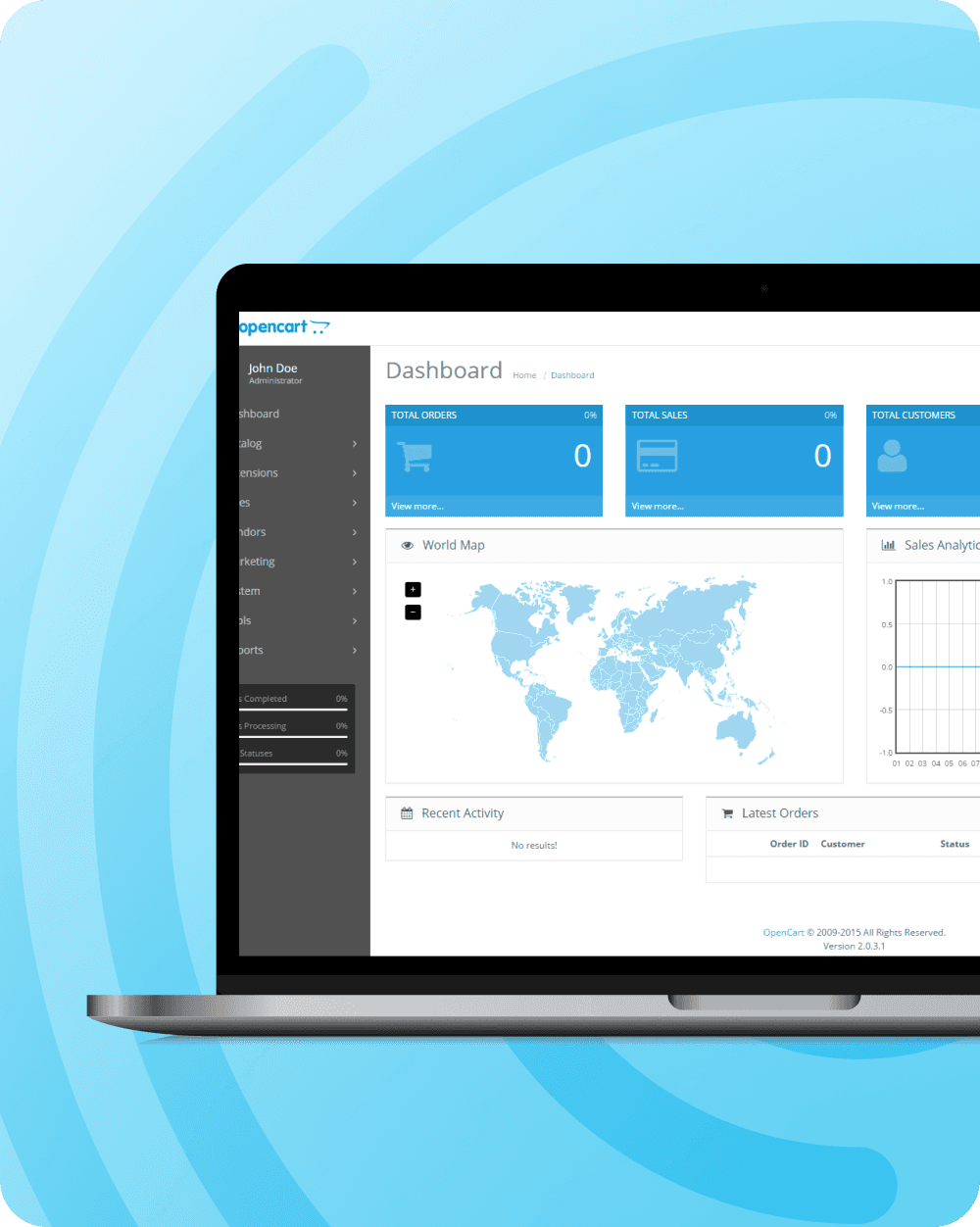
With HitPay, OpenCart merchants can accept local and international payment methods with secure, fast integration and zero setup fees.

To accept local payments and cards on OpenCart in Singapore, Malaysia or the Philippines, install the HitPay OpenCart plugin, add your HitPay API key and salt, and pick your payment methods. No setup or monthly fee. Setup guide

With HitPay, OpenCart merchants can accept local and international payment methods with secure, fast integration and zero setup fees.

To accept local payments and cards on OpenCart in Singapore, Malaysia or the Philippines, install the HitPay OpenCart plugin, add your HitPay API key and salt, and pick your payment methods. No setup or monthly fee. Setup guide

With HitPay, OpenCart merchants can accept local and international payment methods with secure, fast integration and zero setup fees.

To accept local payments and cards on OpenCart in Singapore, Malaysia or the Philippines, install the HitPay OpenCart plugin, add your HitPay API key and salt, and pick your payment methods. No setup or monthly fee. Setup guide

Why OpenCart merchants use HitPay

Why OpenCart merchants use HitPay

Why OpenCart merchants use HitPay

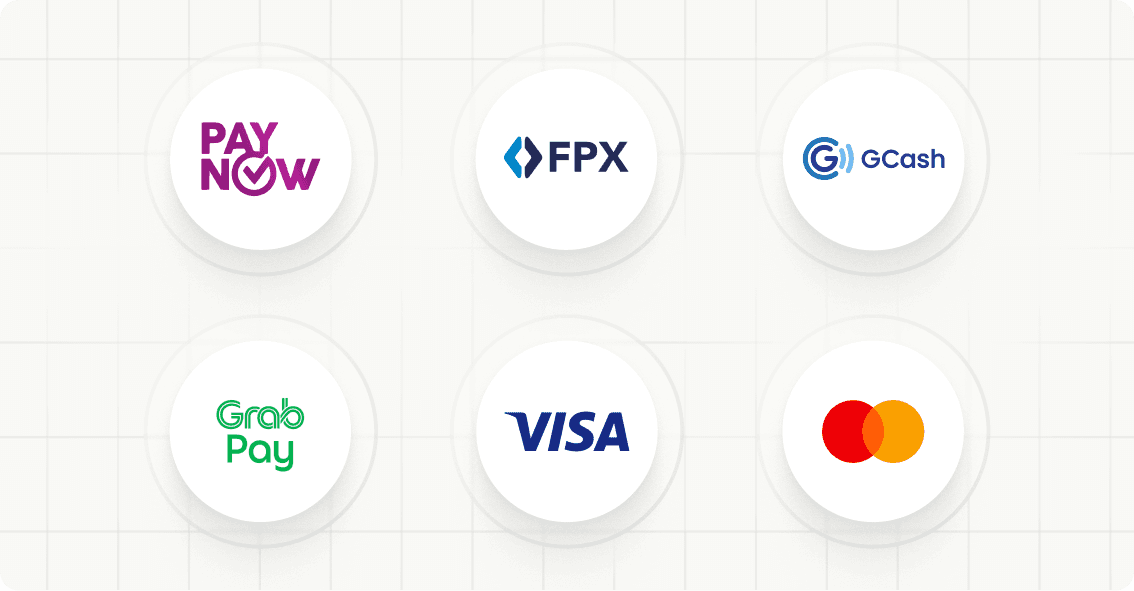
Circular payment method logos for PayNow, FPX, Octo, GrabPay, Visa, and Mastercard on a white grid.

Accept popular payment methods in the region like PayNow (Singapore), FPX and DuitNow (Malaysia), GCash and QR Ph (Philippines), plus cards and wallets

Accept popular payment methods in the region like PayNow (Singapore), FPX and DuitNow (Malaysia), GCash and QR Ph (Philippines), plus cards and wallets

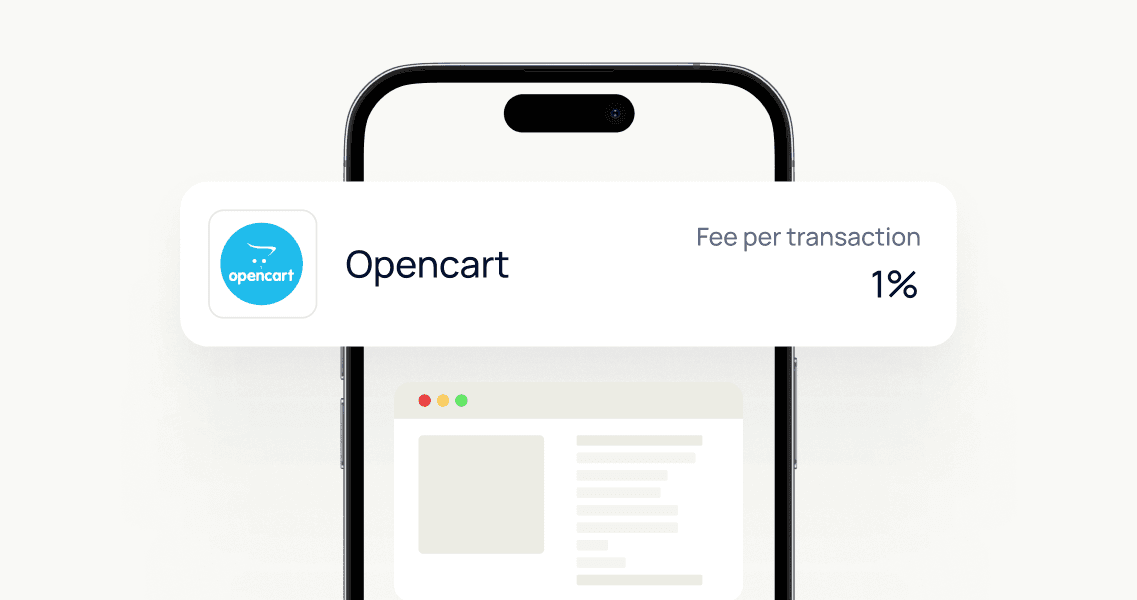
No monthly fees or hidden charges — pay only per transaction

No monthly fees or hidden charges — pay only per transaction

Quick and simple OpenCart plugin installation

Quick and simple OpenCart plugin installation

Light blue soft gradient shape on a white background.

How it works

Create your free HitPay account

Install the HitPay OpenCart plugin via your admin dashboard

Configure your preferred payment methods

Start accepting payments from customers on your OpenCart store

Track all transactions in real-time from your HitPay dashboard

A simple light blue shape with a soft gradient against a white background.

How it works

Create your free HitPay account

Install the HitPay OpenCart plugin via your admin dashboard

Configure your preferred payment methods

Start accepting payments from customers on your OpenCart store

Track all transactions in real-time from your HitPay dashboard

A simple light blue shape with a soft gradient against a white background.

How it works

Create your free HitPay account

Install the HitPay OpenCart plugin via your admin dashboard

Configure your preferred payment methods

Start accepting payments from customers on your OpenCart store

Track all transactions in real-time from your HitPay dashboard

A simple light blue shape with a soft gradient against a white background.

How it works

Create your free HitPay account

Install the HitPay OpenCart plugin via your admin dashboard

Configure your preferred payment methods

Start accepting payments from customers on your OpenCart store

Track all transactions in real-time from your HitPay dashboard

Join thousands of businesses using HitPay

Join thousands of businesses using HitPay

Join thousands of businesses using HitPay

Trusted and secure

Trusted and secure

Licensed by Monetary Authority of Singapore (MAS) and PCI-DSS compliant, HitPay ensures top-tier payment security.

Transparent Pricing

Transparent Pricing

No upfront or recurring fees. Just simple, pay-per-transaction pricing.

Omni-channel Integration

Omni-channel Integration

Unify your OpenCart sales with HitPay’s suite of solutions: POS, payment links, and more — all on one platform.

Frequently Asked Questions

Frequently Asked Questions

How do I set up HitPay on OpenCart?

Start by creating a HitPay account, then follow this step-by-step installation guide to integrate the plugin with your OpenCart store.

Which payment methods are supported?

HitPay supports popular local and international payment methods on OpenCart, including PayNow (Singapore), FPX and DuitNow (Malaysia), GCash and QR Ph (Philippines), plus cards and wallets. Full list here ->

Are there setup or monthly fees?

No setup or monthly fees. You pay per successful transaction, plus a 0.2% OpenCart plugin fee on top — see pricing for your market.

Can I use HitPay for in-store payments too?

Absolutely — HitPay supports POS and QR-based payments, perfect for businesses selling both online and offline.

Still have questions?

Contact our team.

Start Using HitPay on OpenCart

Accept payments easily on your OpenCart store. Get started now with HitPay’s OpenCart integration.

Start Using HitPay on OpenCart

Accept payments easily on your OpenCart store. Get started now with HitPay’s OpenCart integration.

Start Using HitPay on OpenCart

Accept payments easily on your OpenCart store. Get started now with HitPay’s OpenCart integration.

Start Using HitPay on OpenCart

Accept payments easily on your OpenCart store. Get started now with HitPay’s OpenCart integration.

Start Using HitPay on OpenCart

Accept payments easily on your OpenCart store. Get started now with HitPay’s OpenCart integration.